Turn client references into a stencil you can use.
Upload the blurry screenshot, phone photo, or reference collage. Compare the original with a cleaned result, tune line weight and detail, then take the file into your studio workflow.
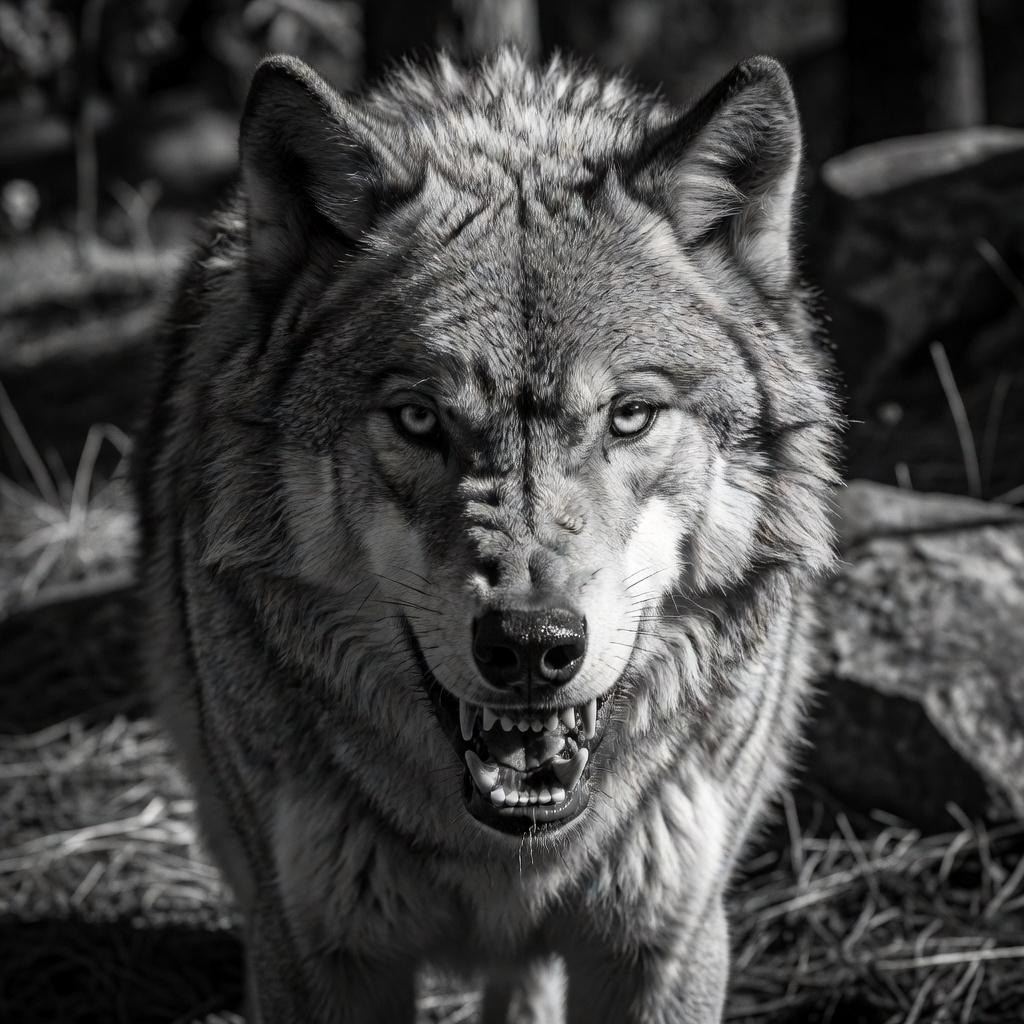
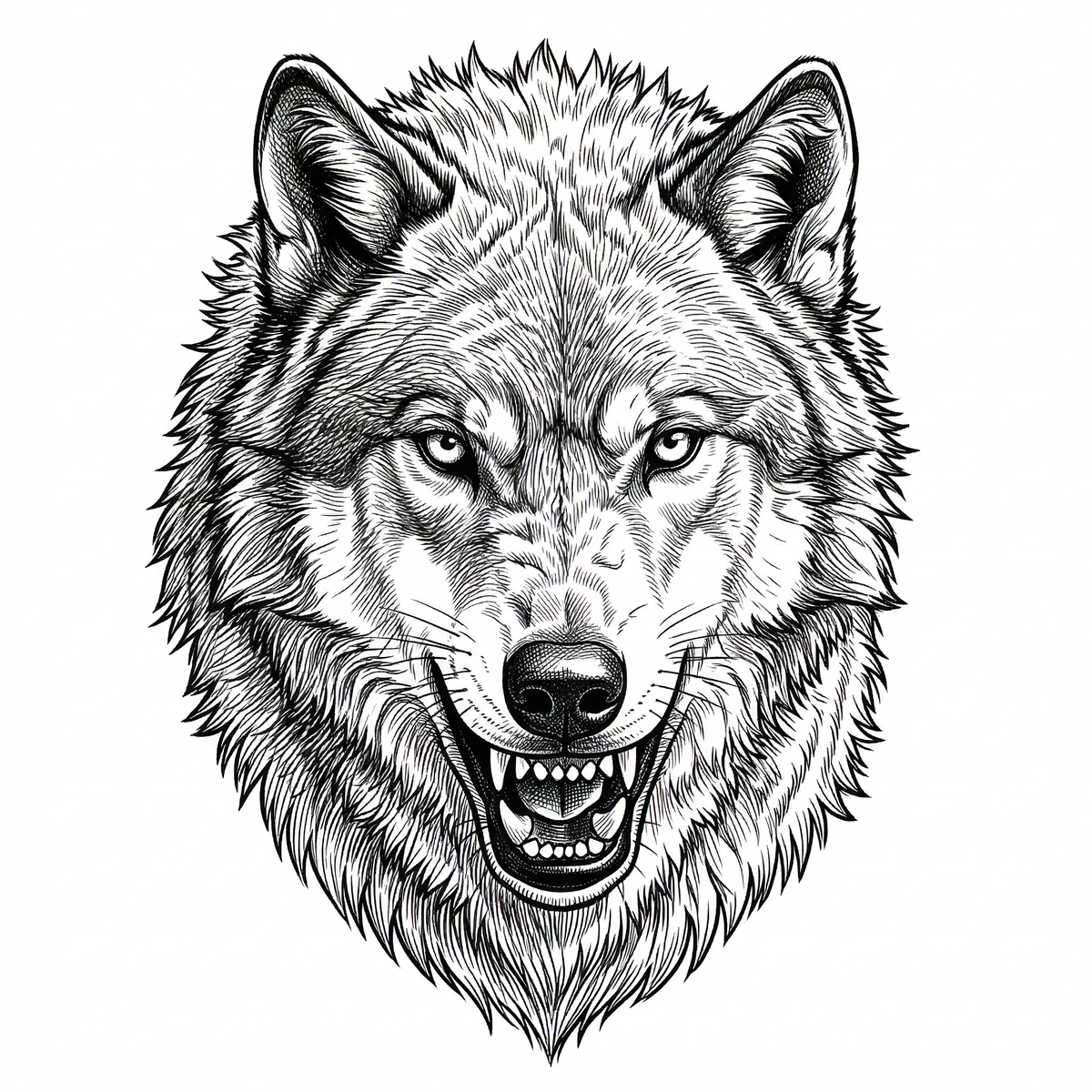
Try it with a client reference.
Drop an image here or choose one from your device.
What Your Clients Send vs.
What You Actually Need
We know the drill — blurry screenshots, Pinterest collages, and bad phone photos. InkStencilPro cuts through the noise, isolating the subject and extracting the structure you need for a clean transfer.

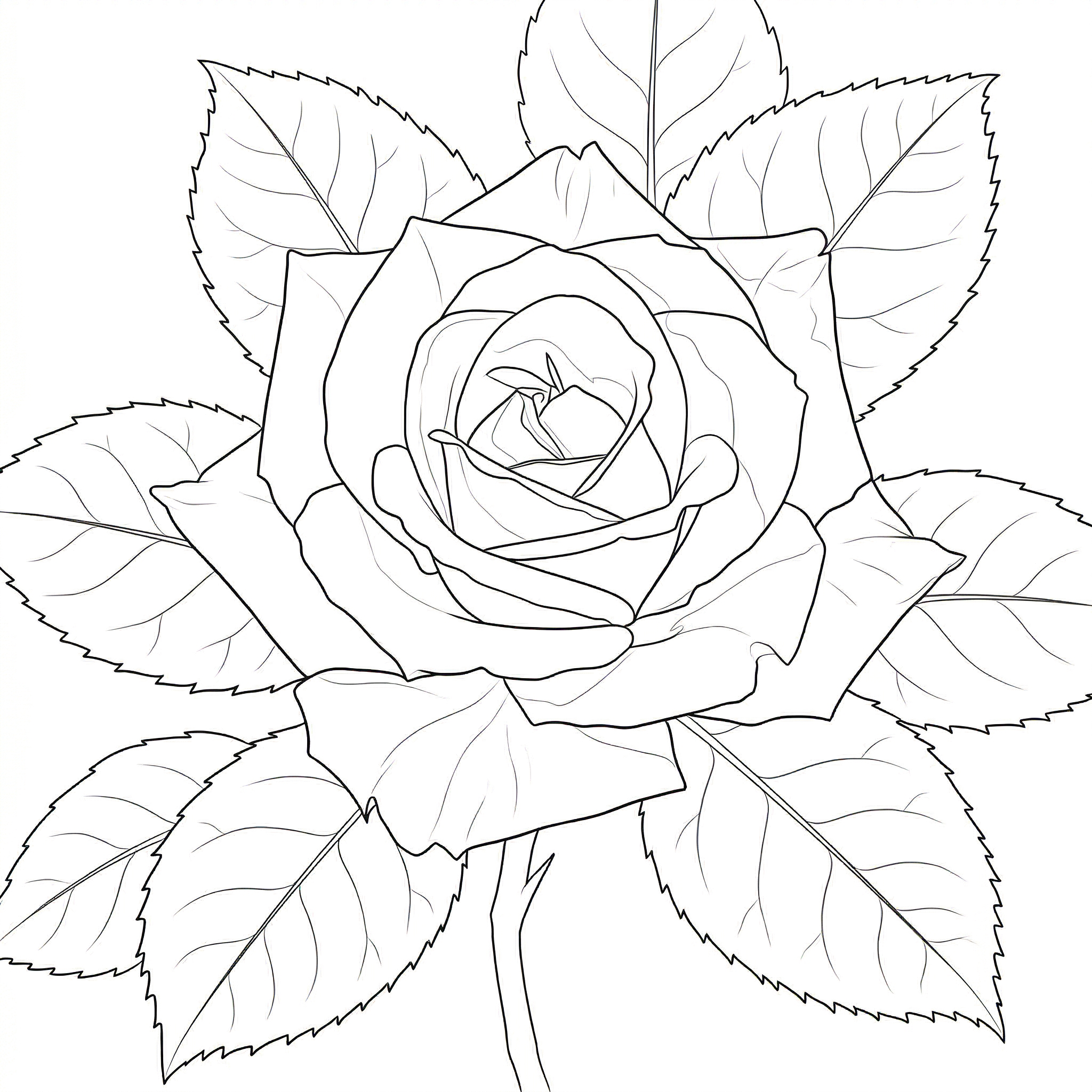
"Turned a blurry rose photo into a crisp transfer."
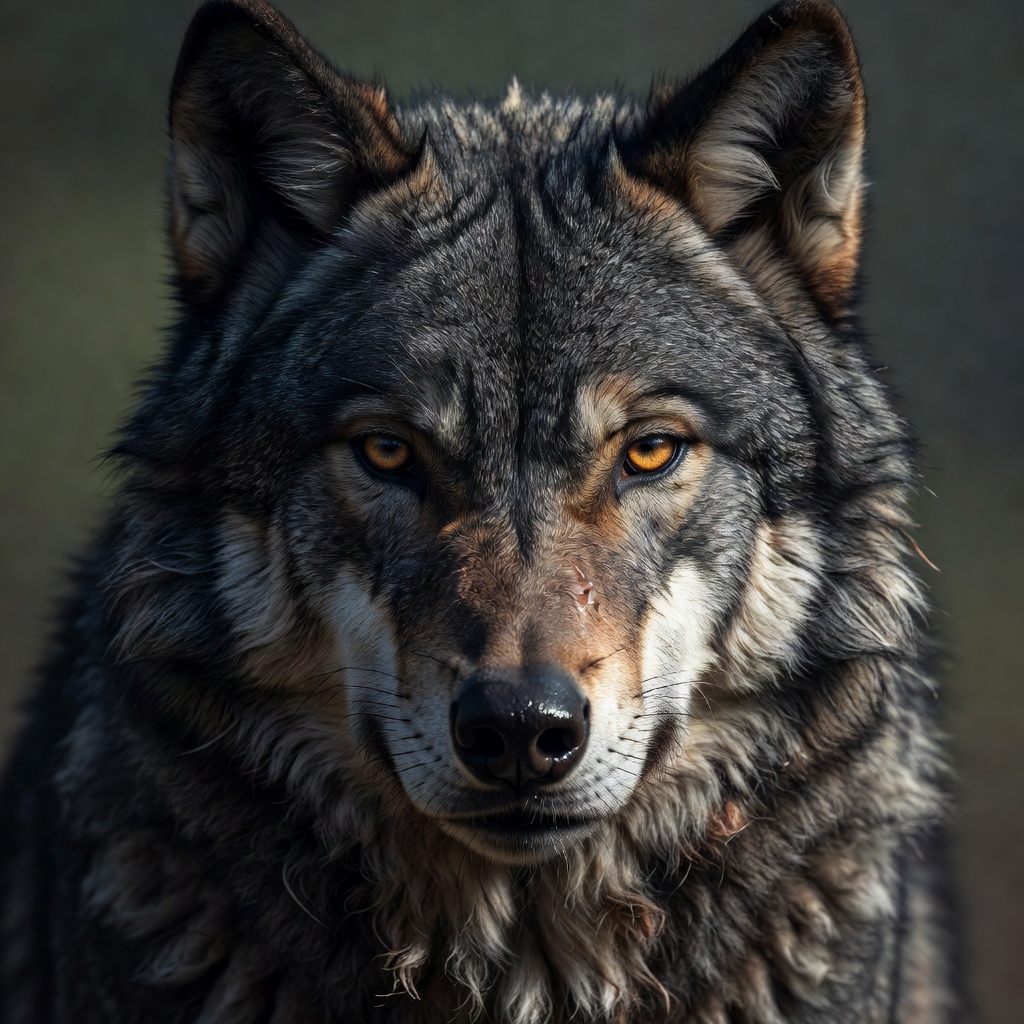
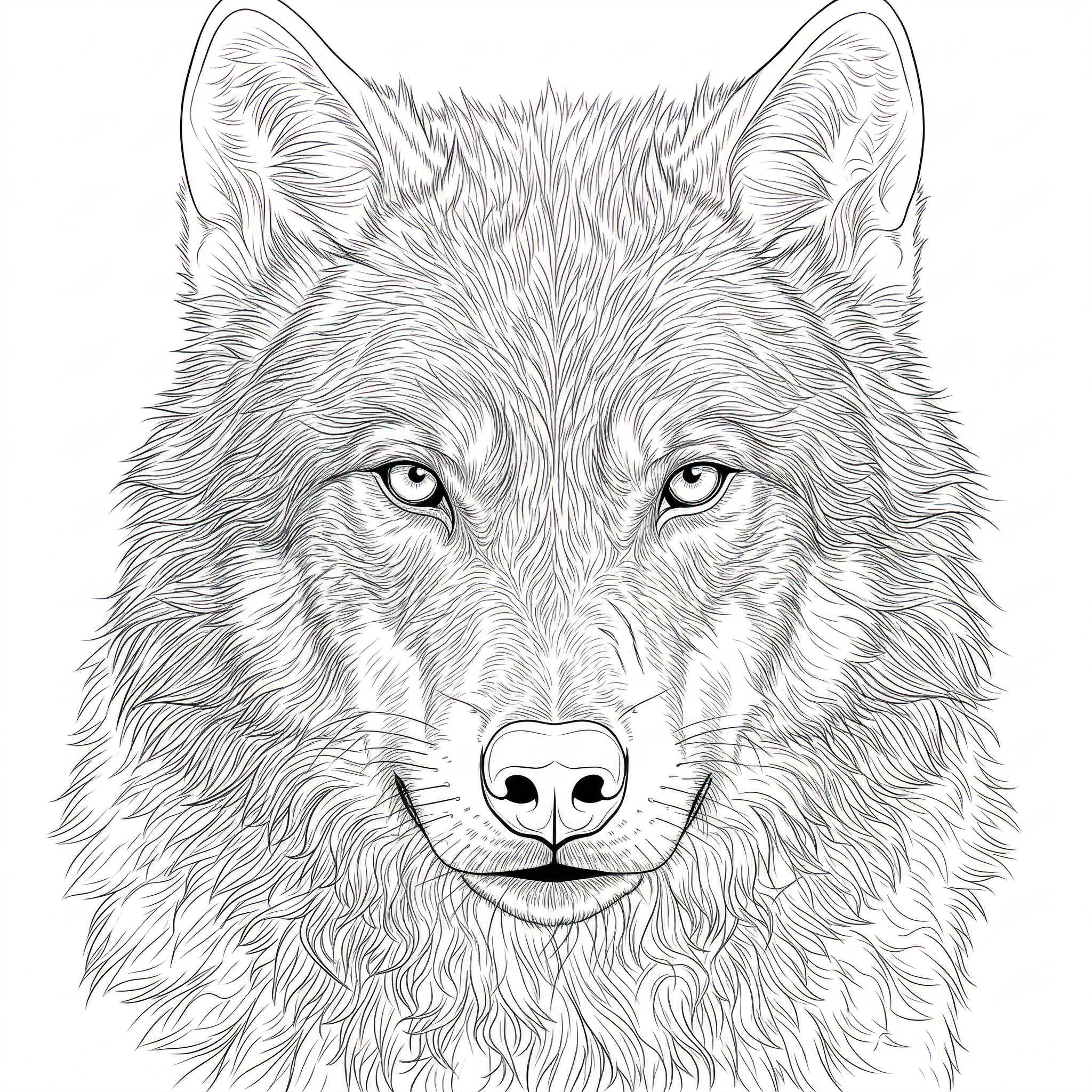
"Extracted clean lines from a high-detail wolf reference."

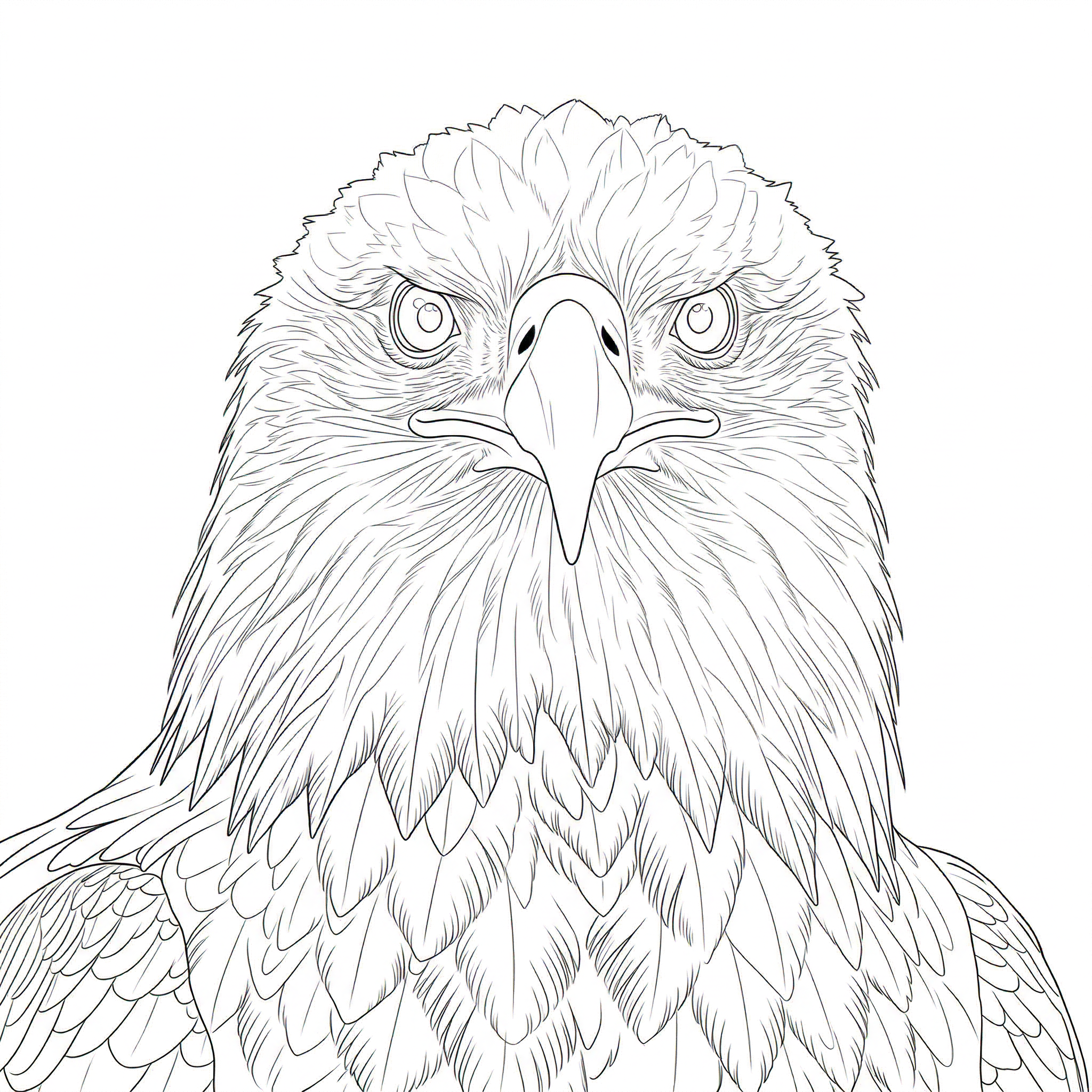
"Solid outlines from a complex eagle portrait."
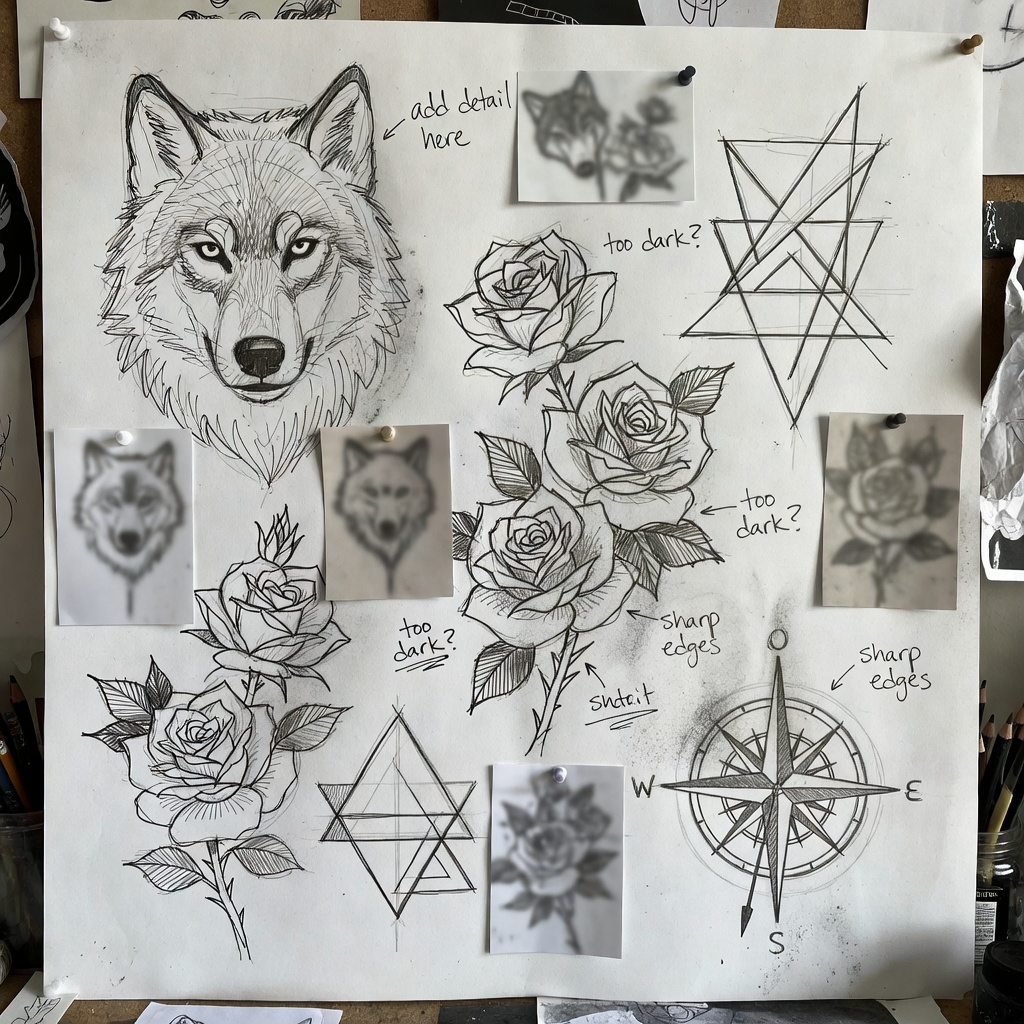
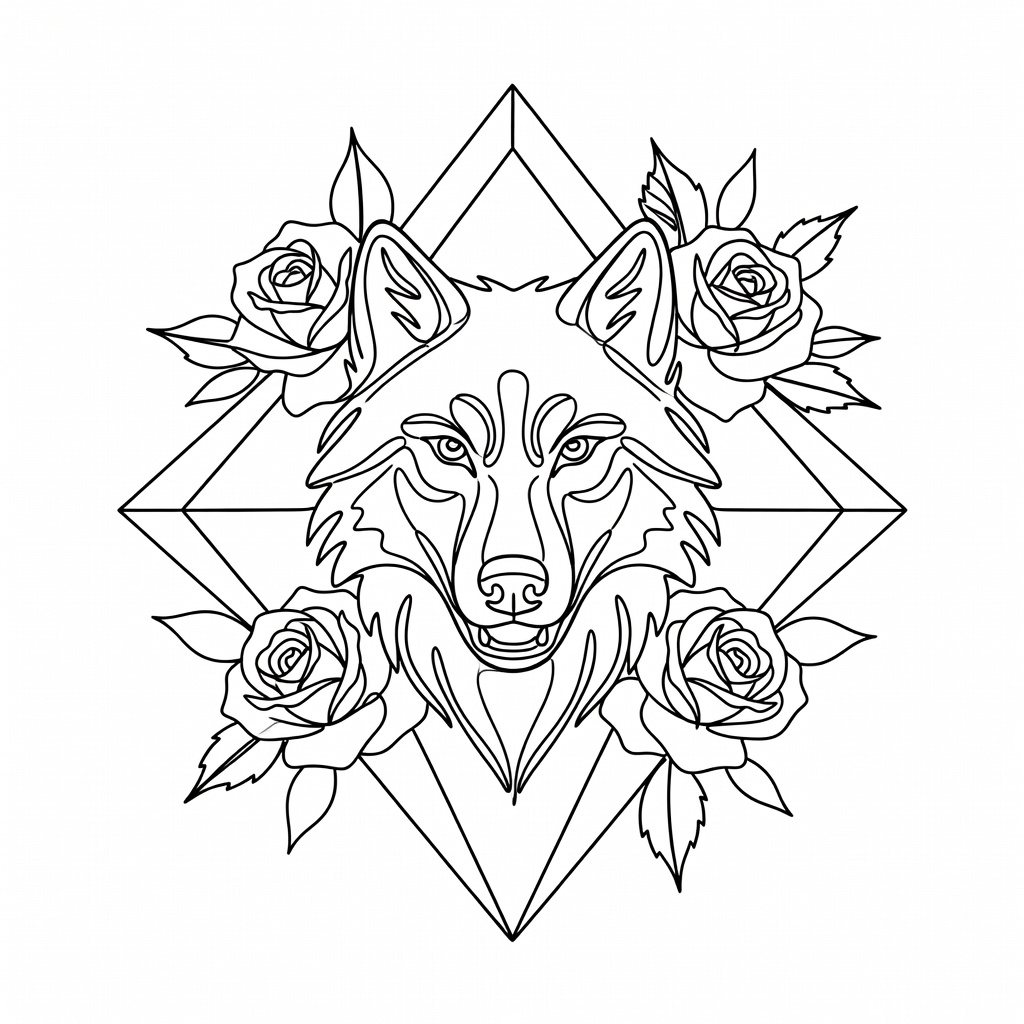
"Isolating the subject from a messy client collage."
The goal is not to make your image 'look cool.' The goal is to make it usable at the stencil stage.
HOW IT WORKS
Drop In Whatever They Sent
Upload that blurry screenshot or low-res photo your client found on Pinterest. No prep needed.
AI Handles the Grind
InkStencilPro strips the background and extracts clean, usable lines instantly. Use the precision sliders to dial in the weight and detail.
Get Back to the Chair
Download your high-res, thermal-optimized stencil and start tattooing. You just saved an hour of prep.